🔢
Character and word countNEW 2.2
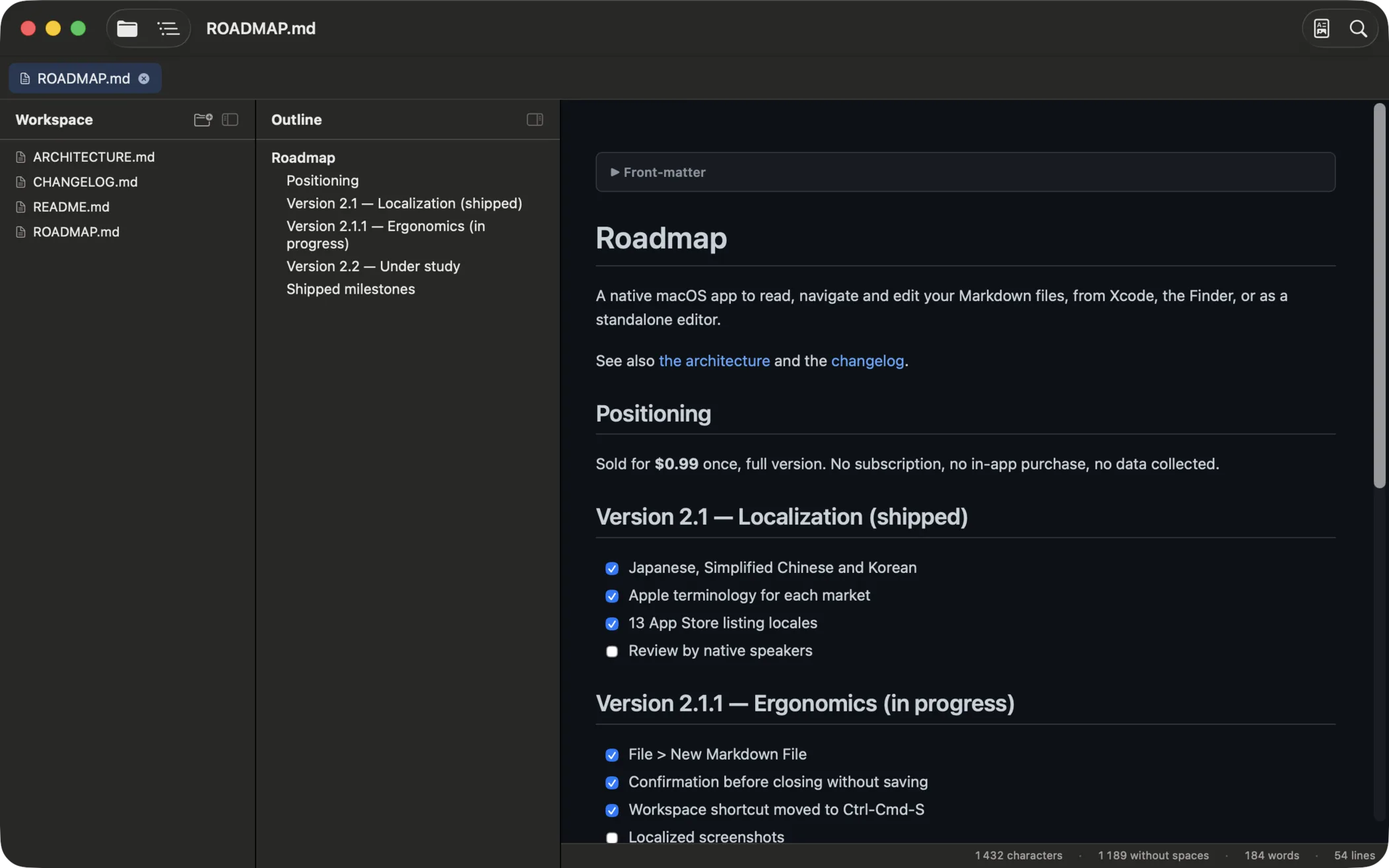
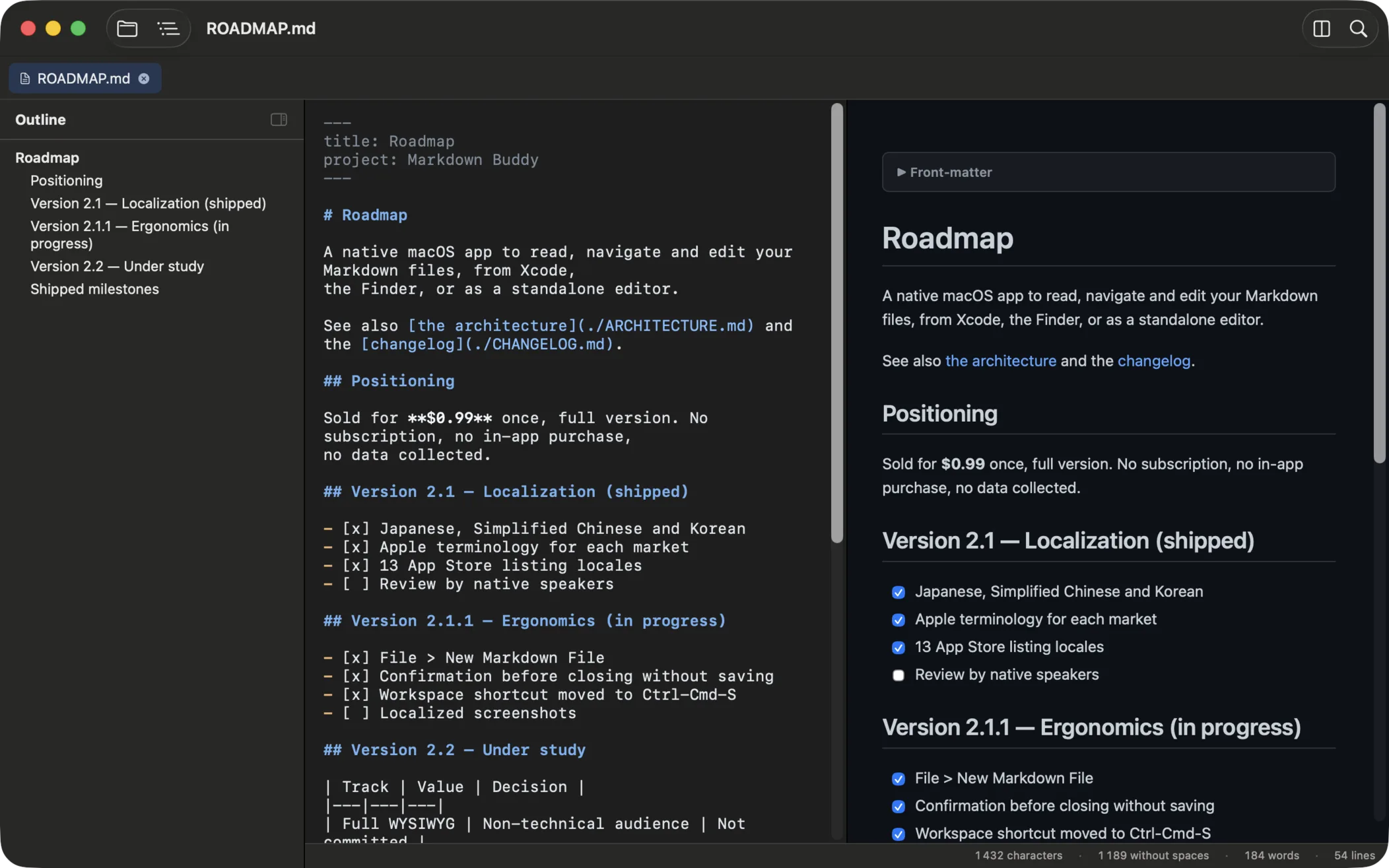
A status bar under the editor counts characters, characters without spaces, words and lines. Word splitting follows the language, so Japanese and Chinese count properly.
🔎
Find & replace in the editorNEW 1.7
⌘F opens the native find bar in Source and Side-by-side modes, ⌥⌘F to replace. Incremental highlighting, native undo.
✅
Clickable task listsNEW 1.7
Click a checkbox in the preview and the file is updated: [ ] becomes [x]. The preview keeps your reading position while you edit.
📑
YAML front matterNEW 1.8
The dashes block at the top of files shows as a collapsible panel or stays hidden. Dimmed in the editor, no false headings in the outline.
🏷️
Tag filterNEW 1.8
Front matter tags feed a filter in the workspace sidebar: per-tag counts, multiple selection, folders without matches are hidden.
⌨️
Link autocompletionNEW 1.8
Type ]( in the editor and pick a workspace .md file: the relative path is inserted with the closing parenthesis.
🌐
Eight interface languagesNEW 2.1
Menus, settings and every screen in English, French, German, Spanish, Italian, Japanese, Simplified Chinese and Korean, following the wording of each market.
📄
Live PreviewNEW 2.0
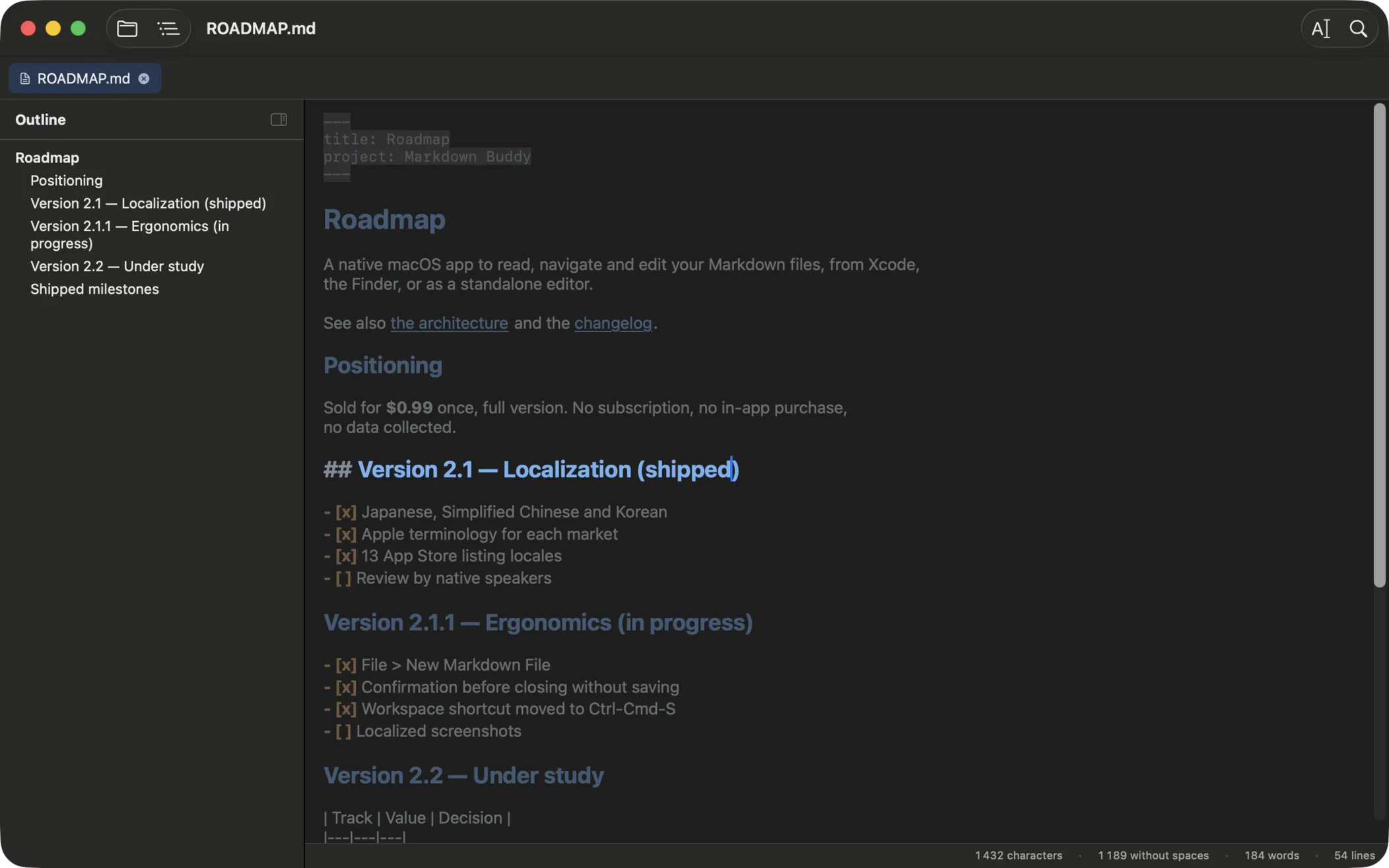
Write Markdown, see the document. Headings, bold and code are styled as you type, and the markers disappear except in the paragraph you are editing.
✏️
Edit mode with syntax highlighting
Cycle Rendered / Source / Side-by-side with ⌘⇧R. Markdown syntax colored as you type, synchronized scrolling, auto-save optional.
🔒
Formatting shortcuts
⌘B for bold, ⌘I for italic, ⌘K for links. Smart toggle: press ⌘B on bold text and the markers are removed. Native Undo/Redo.
📁
Workspace tree
Open a folder (⌘⇧O) and browse every .md in a tree sidebar. Tabs and session restore on launch.
🔍
Cross-folder search
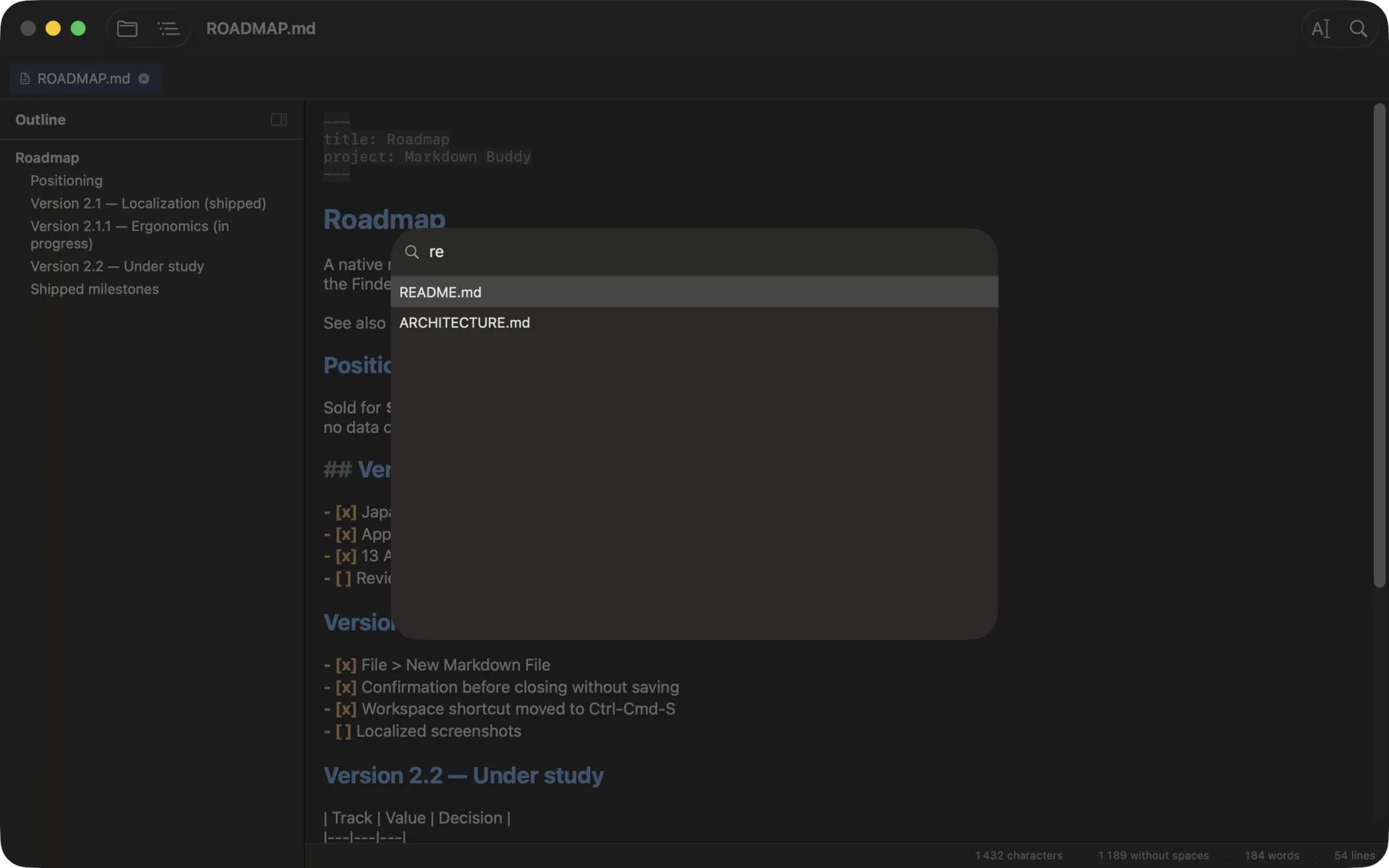
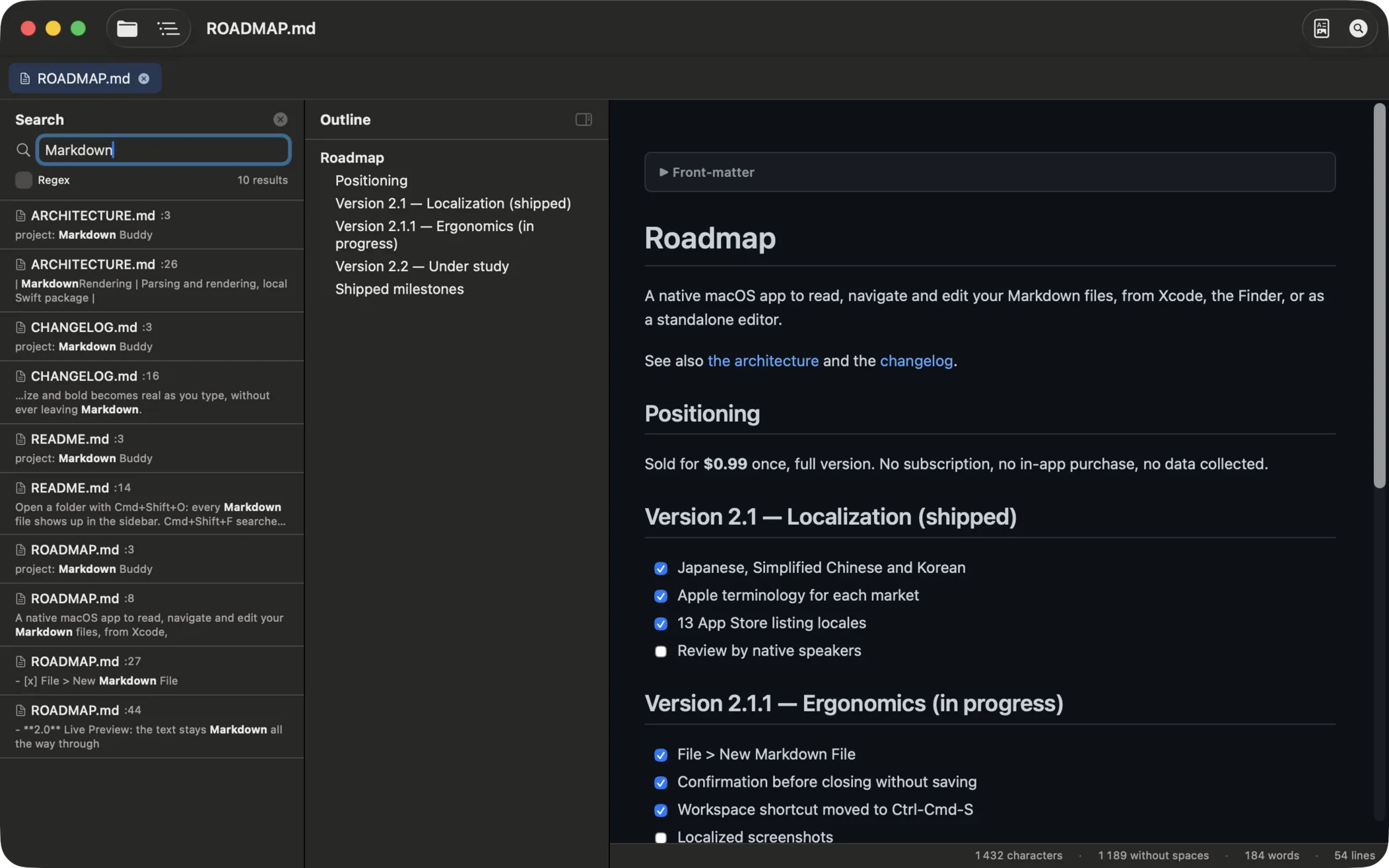
⌘⇧F opens a search across all .md files in the workspace with snippets and optional regex mode.
🔗
Link Map
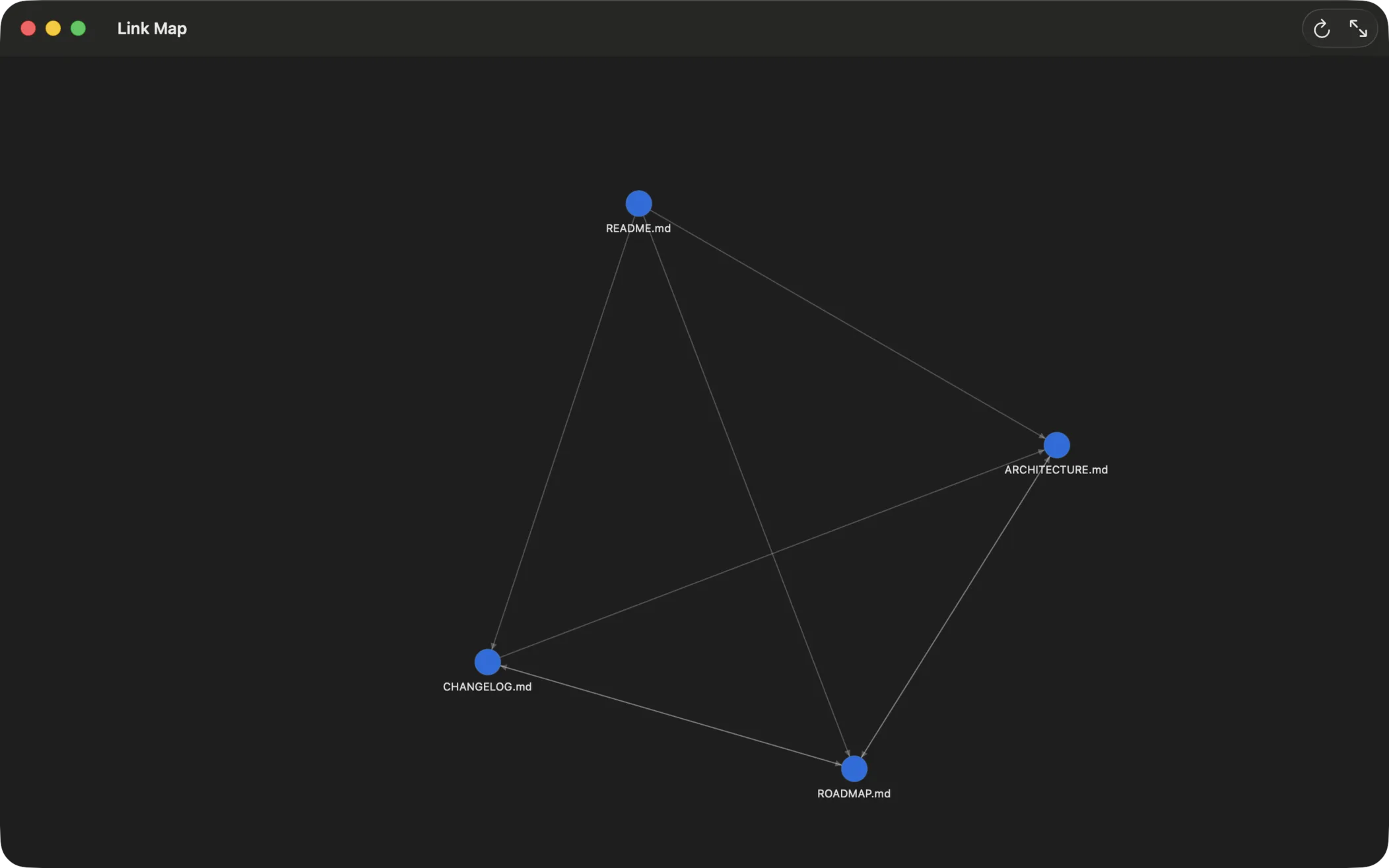
⌘⇧G opens a graph view of the links between every .md file. Broken links are flagged and listed. Click a node to open the document.
📄
QuickLook in Finder
Hit Space on any .md file in Finder for an instant rendered preview. Thumbnails in Icons, Columns and Gallery views.
⚙️
Native Xcode Extension
Integrates directly into Xcode's Editor menu. One keyboard shortcut and you're good to go.
🛠️
Preferences (⌘,)
Appearance, font sizes, default workspace folder, session restore. Toggle Mermaid and KaTeX support.
🌙
Dark Mode
GitHub-style CSS with native macOS dark mode support. Adapts to your system preferences.
🖨️
Print & PDF export
Print from the standard macOS dialog or export the full preview as a clean PDF (⌘⇧E).
⚡
Auto-refresh
The preview updates automatically when you save the file or another editor changes it.
🔐
Secure & native
App Sandbox, Hardened Runtime, no data collected. Built natively in Swift, distributed through the Mac App Store.